A note taker
that comes with you.
Record the workshop, the coffee catch-up, or the conversation around a table with the mobile app.
Get the mobile app Notexa
Friday catch-up
09:24
PauseFinish
Record the conversation without a bot. Come back to notes that show what was decided, what needs doing, and what’s still open.
Desktop · Mobile · Browser extensionNotexaNovember meetingsLaunch core onboarding first. Move the reporting dashboard to the next release.
Who owns the reporting dashboard?
Your conversation stays
at the center.
Open the last conversation before your next one. Revisit the decision, find the unanswered question, and choose a template for today’s meeting.
Explore meeting templatesReady for the next conversationCore onboarding goes first.
Who will own the reporting dashboard?
You don’t have to remember which line contains the answer. Ask about a decision, an owner, or something you want to revisit in your recordings.
Explore Ask NotexaAsk NotexaThe team agreed to launch core onboarding first. The reporting dashboard moved to the next release.
Website launch review · 12:08A hiring conversation and a product review need different notes. Choose a summary template that brings the relevant details forward.
Core onboarding
Reporting dashboard
Dashboard owner
Keep the call where it already happens. Record with Notexa, then review the details when you have time to use them.
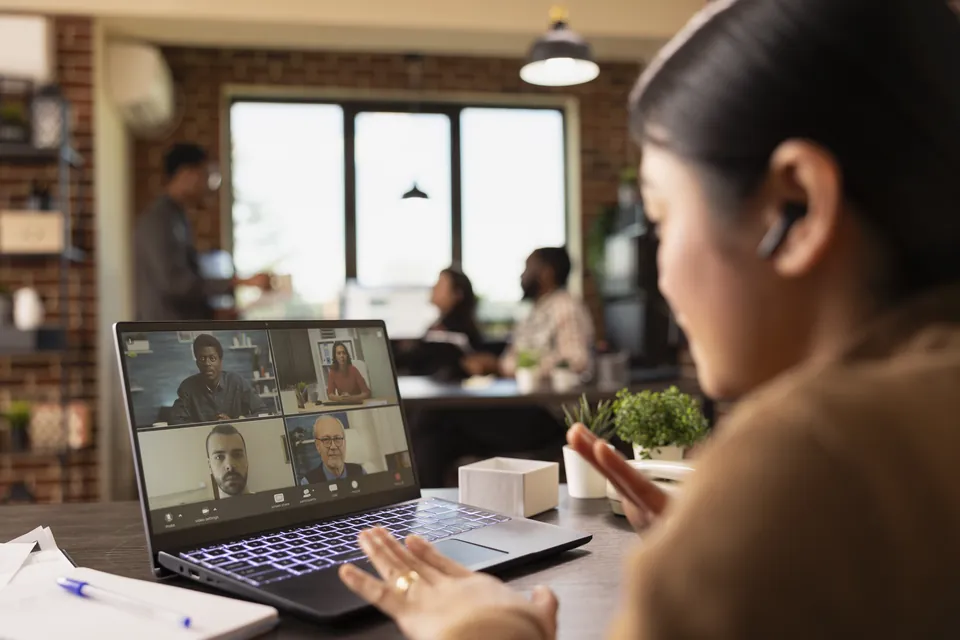
Notexa records without joining your meeting as a bot. Start with the desktop app or browser extension, and stay with the conversation.
Record the workshop, the coffee catch-up, or the conversation around a table with the mobile app.
Get the mobile appNotexaPut related recordings in a folder so you can return to the discussion behind a decision.
Connect your calendar, then turn on “Share with participants” to send notes to attendees automatically. Leave it off to review and share the result yourself.
Yuna · Kenji · Maya
Send a summary to the people who need it. Keep the outcome together, rather than piecing a follow-up together from memory.
Send notes to Notion, Slack or Google Drive when you’re ready to use them.
A summary helps you get oriented. Speaker labels and timestamps in the transcript help you return to the details that need a closer look.
Explore transcriptsLaunch core onboarding first.
Yuna · 12:08“Let’s launch the core onboarding flow first. Move the reporting dashboard to the next release.”
Notexa records a conversation and, after processing, turns it into a transcript and a summary. You can review decisions, action items and open questions without reading the entire transcript first.
No. Notexa captures the conversation without adding a bot as a meeting participant. Choose the desktop app, mobile app or browser extension for the way you meet.
The transcript and summary appear after your recording is processed. During the meeting, Notexa records the conversation; it does not display a live transcript.
Yes. Use the mobile app to record in-person conversations, then review the transcript and summary afterwards.
Choose a summary template for the type of conversation you are having, or create your own structure. You can keep decisions, customer needs or next steps in focus.
Yes. Ask Notexa questions about your recording history to find details you want to revisit. Keep related recordings in folders to make them easier to find.
Yes. Share a recording or summary when you are ready. You can also send results to supported apps, including Notion, Slack and Google Drive.
Focus on the conversation while Notexa captures the details and
turns them into clear notes and next steps.
 Maya
Maya Kenji
Kenji Nina
Nina Leo
Leo Ella
Ella Sara
Sara EU expansion
Should we prioritize Germany or Netherlands for the EU pilot?

Let’s start with Germany and revisit the Netherlands after the pilot. I’ll arrange customer interviews next week to test our messaging.
Agreed. I’ll send the localized landing page draft on Friday. We still need to decide whether to change our pricing for the EU launch.
NotexaTranscriptAudioVideoNo bot in the call