



Keep the customer’s wording.
The way someone describes a problem can be as useful as the problem itself. Return to their response before you write the research note.
“I lose track of who’s waiting for an answer.”Customer interview · 06:42
Turn a recording into a transcript you can return to. Keep the words, the speakers and the details behind the decision.
 Notexa
“Let’s start with one intake form for every request. We can add a separate reporting view once the team has tried the new process.”
Start with a shared intake form. Add a separate reporting view after the team has tried the process.
Choose a timestamp to explore the conversation.
A recording holds the whole discussion. A transcript gives you another way to work through it: read the exchange, see who said what, and find the detail you need for your next step.
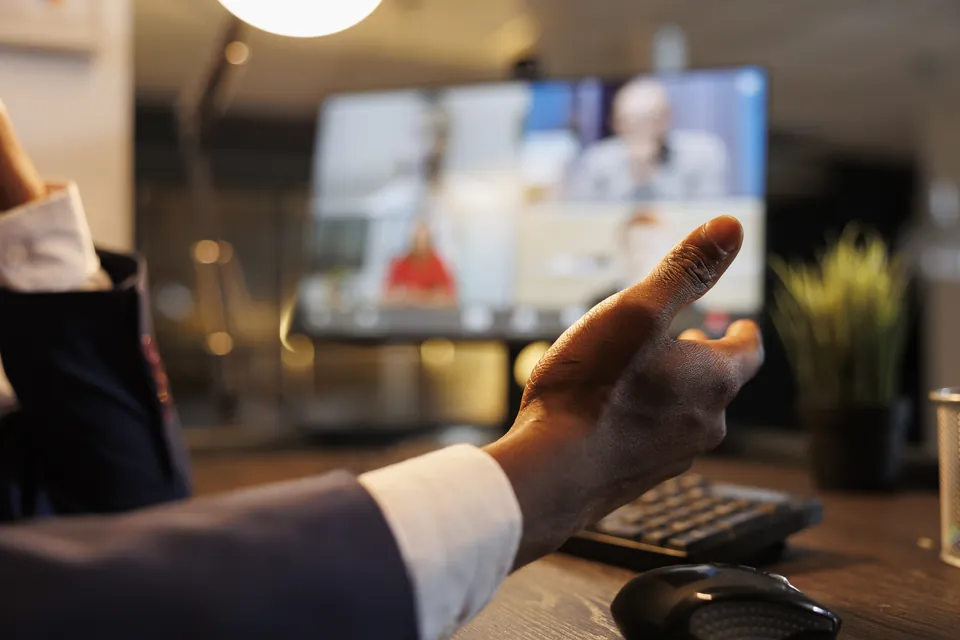
Use Notexa on your desktop, in Chrome or on your phone. Capture the conversation without adding a meeting bot, then open the transcript after processing.
Choose your recording appNotexa Maya
Maya Kenji
KenjiOne conversation, with a different view for each part of the follow-up.
Start recording in the Notexa app that fits the conversation.
After processing, open the transcript with speakers and timestamps.
Review the summary, check the decisions and share the next steps.
Let’s start with one intake form for every request. We can add a separate reporting view once the team has tried the new process.
NotexaThe team will try one shared intake form before adding a separate reporting view.
Conversations move between ideas, commitments and questions. Read the transcript for the exchange itself. Use the summary to see what was agreed, who has a next step and what still needs an answer.
See how summaries workThe way someone describes a problem can be as useful as the problem itself. Return to their response before you write the research note.
“I lose track of who’s waiting for an answer.”Customer interview · 06:42
A deadline may change halfway through a discussion. Read the exchange before you put a date into the project plan.
Kenji tests the form on Wednesday. Maya writes the guidance before Thursday.Meeting recap · 08:32–14:06
Keep the context from a conversation away from your desk, so the useful detail doesn’t depend on a note you remembered to type.
“Let’s bring that question to the next review.”Service workshop · 11:18
How did they describe the problem?
What are we trying first?
Who is testing the intake form?
What still needs an answer?
Group related recordings in a folder. When a topic comes up again, return to the earlier conversation or ask Notexa about the detail you need.
“Why are we trying the intake form before building the reporting view?”
NotexaA shared intake form first
Today · 18 minWhere requests lose their owner
Tuesday · 24 minReception, operations and reporting
Monday · 32 minRecord your conversation with Notexa. After processing, you can read a transcript with speaker labels and timestamps, alongside a summary of the discussion.
The transcript and summary are available after the recording has been processed. During the conversation, Notexa captures the audio.
Yes. Use the mobile app to record an in-person conversation, then return to its transcript and notes after processing.
A transcript lets you read the conversation in sequence. A summary brings together the important points, decisions, next steps and unresolved questions. Use the transcript when the wording matters and the summary when you need the outcome.
Yes. Ask Notexa about your recorded conversations when you need a particular detail or want to revisit what was discussed.
Your conversations are private by default. You choose when to share a summary. You can find more about how Notexa handles meeting data in the privacy and security section.
Focus on the conversation while Notexa captures the details and
turns them into clear notes and next steps.
 Maya
Maya Kenji
Kenji Nina
Nina Leo
Leo Ella
Ella Sara
Sara EU expansion
Should we prioritize Germany or Netherlands for the EU pilot?

Let’s start with Germany and revisit the Netherlands after the pilot. I’ll arrange customer interviews next week to test our messaging.
Agreed. I’ll send the localized landing page draft on Friday. We still need to decide whether to change our pricing for the EU launch.
NotexaTranscriptAudioVideoNo bot in the call