At your desk
Record from your computer while your usual meeting app stays open.
Choose this whenYou switch between a scheduled Zoom call and an unplanned Slack Huddle.


Meet the customer on Zoom. Plan with the team in Teams. Settle the last question in a huddle. Keep the conversations together in Notexa.
Google Meet32 min
 Maya & Kenji
Test the revised booking flow.
Maya sends the booking prototype on Friday.
Who will review the booking prototype?
Open a platform guide for its recording workflow, example notes and questions to check before your next call.
Revisit the feedback from your client call before the next round. Keep the approved direction separate from ideas that still need a decision.
Notexa for ZoomClient website reviewApprove the two-column services page.
Kenji revises the mobile layout on Monday.
Should the case studies be ready for launch?
The meeting platform is where you have the conversation. Your Notexa app is how you record it.
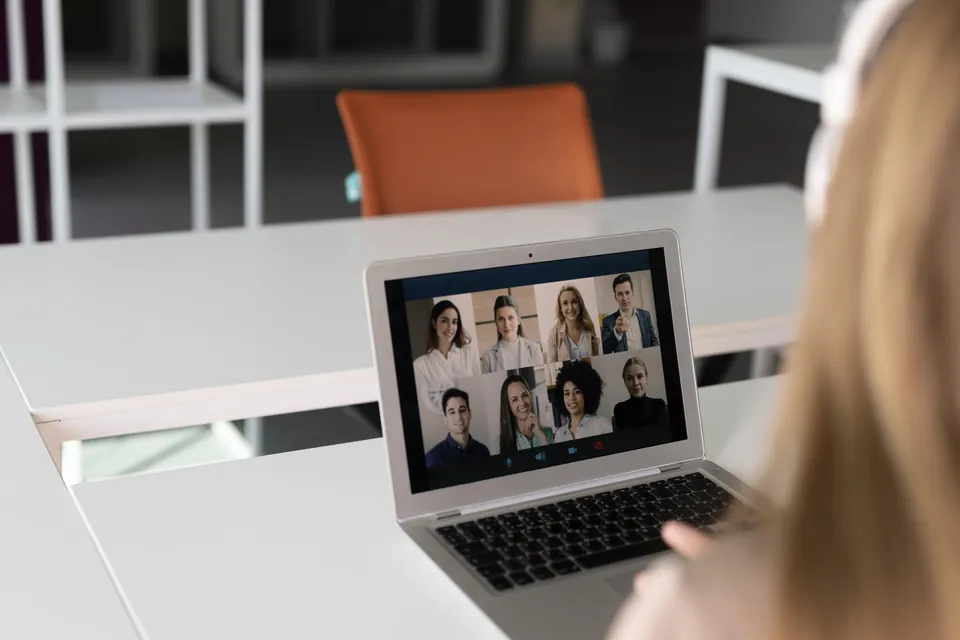
Record from your computer while your usual meeting app stays open.
Choose this whenYou switch between a scheduled Zoom call and an unplanned Slack Huddle.
Capture the conversation in the Chrome tab where you’re meeting.
Choose this whenYour customer sends a Google Meet link and you join in the browser.
 Chrome extension
Record the people in the room using the mobile app.
Choose this whenYou’re interviewing someone in person or gathering around a workshop table.

 Interviews · Workshops · One-to-ones
Keep your usual call window open. Notexa records from your device, so there is no meeting bot to admit or introduce.
Start the recording when you’re ready. Tell everyone you’re recording, then give the conversation your attention.
How Notexa takes notes MayaKenji
 NotexaRecording
Use the transcript’s speaker labels and timestamps to revisit a point that deserves a closer look.
Let’s roll out the client portal to the pilot group first. Then we can check their feedback.
Read the summary for decisions, next steps and questions left open. The discussion stays available beside it.
Client portal to the pilot group first.
Review the pilot feedback.
Pilot feedback
NotexaNovember client projectThe client approved the two-column services page.
The pilot group will use the client portal first.
The campaign will lead with guided setup.
A project rarely happens in one meeting. Put its recordings in a folder, even when the conversations happened on different platforms.
Before the next call, ask Notexa what was decided. Share the relevant summary with the person who needs to catch up.
Ask a question about your recordingsNo. Notexa captures the conversation from your device, without adding a bot as another participant in the call.
Use the desktop app for calls in desktop meeting apps. Use the Chrome extension for a conversation in your browser. The mobile app is for recording conversations in person.
After you finish recording and the conversation has been processed. You can then read the transcript, review the summary and ask questions about the recording.
Yes. Organize recordings in a folder by project or topic. A folder can hold your customer calls, internal reviews and quick follow-up conversations.
You can share a summary after the meeting. Review the decisions and next steps first, then share the context the recipient needs.
Recording a call and sending notes to another app are separate workflows. These guides explain capture on meeting platforms. You can review and share the resulting summary from Notexa.
Focus on the conversation while Notexa captures the details and
turns them into clear notes and next steps.
 Maya
Maya Kenji
Kenji Nina
Nina Leo
Leo Ella
Ella Sara
Sara EU expansion
Should we prioritize Germany or Netherlands for the EU pilot?

Let’s start with Germany and revisit the Netherlands after the pilot. I’ll arrange customer interviews next week to test our messaging.
Agreed. I’ll send the localized landing page draft on Friday. We still need to decide whether to change our pricing for the EU launch.
NotexaTranscriptAudioVideoNo bot in the call