Open Notexa on your computer
Choose the desktop app for the conversation you are about to record.
 AI meeting notes for Zoom
Use Notexa alongside Zoom to record the conversation without a meeting bot. Get a transcript and a summary afterwards, ready for the follow-up.
Get Notexa for desktopExplore a customer conversationWarehouse handoff · Discovery
 Maya · Customer support3 participants
Keep the meeting in Zoom. Use the Notexa desktop app for your recording and the notes you will return to later.
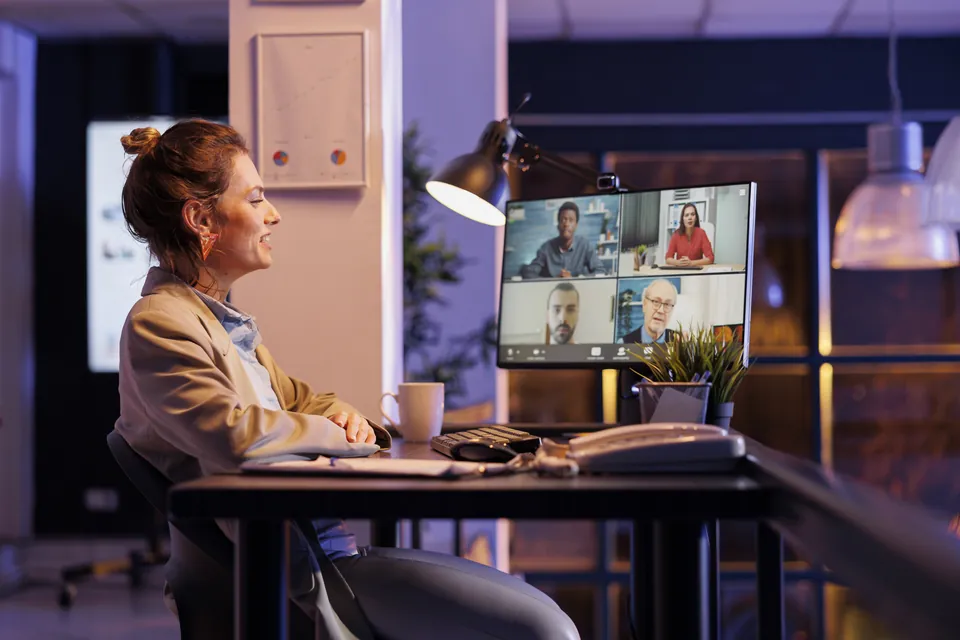
Choose the desktop app for the conversation you are about to record.
For this customer discovery call: current process, needs, next steps and open questions.
Start recording in Notexa. After the call and processing, review your transcript and summary.
A broad request like “better visibility” leaves room for guesses. Read the transcript alongside your notes to understand what someone needs to see, and why.
“The late deliveries are in a spreadsheet, but the next shift doesn’t know who has already called the driver. I’ll bring three exceptions from last week to our next call.”
The next shift needs to see whether someone has contacted the driver before making another call.
What information does the receiving shift check first?
October 9 · 28 minutesDelivery exceptions are tracked in a spreadsheet. Calls to drivers are not consistently visible to the next shift.
Show the last action and when the next update is expected.
Kenji will bring three recent delivery exceptions. Samira will map the handoff with the team.
Who should set the next update time?
The customer described a handoff problem. The next step is to inspect three examples together. Those are different things, and your notes should keep them separate.
Make the latest driver contact visible.
Kenji brings three recent exceptions.
Who sets the next update time?
Switch between Summary and Transcript to see the same conversation in two forms.
Ask about the recording when you need to verify a commitment before writing a proposal or a follow-up.
Explore Ask NotexaNo delivery date was agreed. Samira agreed to map the handoff using three recent delivery exceptions before the team decides on a workflow.
Warehouse handoff · Customer discoveryThe customer needs to know what happens next. Your product team needs to know what is supported by the conversation. Start with the same notes and review what you want to share.
Keep a suggestion separate from a promise. If a delivery date was never agreed, it should not appear as a commitment in the follow-up.
More about meeting summariesThanks for walking us through delivery exceptions today. We heard two gaps: the next shift cannot always see the last driver contact, and support needs a time for the next update.
Bring three delivery exceptions from last week.
Map the handoff with your team.
In the next session, let’s confirm who sets the update time. We have not agreed a new workflow yet.
Current process and delivery exceptions
Three recent cases, reviewed together
Keep recordings in a customer or project folder. Before the next Zoom call, revisit what was agreed and which questions still need an answer.
Your recordings remain private until you share them. Review the notes first, then choose what to send.
Privacy & securityKeep the current process, the customer’s language and the unanswered questions together.
Record what the team agreed, who will follow up, and what is still waiting for an answer.
Revisit the open items and record the next update without rebuilding the context from memory.
No. You use Notexa alongside your Zoom call. It records without adding a meeting bot to the participant list.
Open the Notexa desktop app, choose a summary template and start recording for your conversation. Keep Zoom open for the call. Your transcript and summary become available after the recording is processed.
The transcript and summary are available after processing. During the call, focus on the discussion and record it with Notexa.
Yes. Choose a summary template before recording, or create your own structure. A discovery call might focus on needs and buying questions; a research interview might focus on the participant’s experience and follow-up questions.
Yes. Read the transcript with speaker labels and timestamps, or return to the recording. You can also ask Notexa questions about your recordings.
You decide when to share. Optional automatic participant sharing is available with a connected calendar, but you choose whether to enable it.
Focus on the conversation while Notexa captures the details and
turns them into clear notes and next steps.
 Maya
Maya Kenji
Kenji Nina
Nina Leo
Leo Ella
Ella Sara
Sara EU expansion
Should we prioritize Germany or Netherlands for the EU pilot?

Let’s start with Germany and revisit the Netherlands after the pilot. I’ll arrange customer interviews next week to test our messaging.
Agreed. I’ll send the localized landing page draft on Friday. We still need to decide whether to change our pricing for the EU launch.
NotexaTranscriptAudioVideoNo bot in the call